Showing posts with label hardware. Show all posts
Showing posts with label hardware. Show all posts
Wednesday, June 14, 2017
Kali Linux Tutorial Introduction To SAKIS3G Hardware Hacking
Kali Linux Tutorial Introduction To SAKIS3G Hardware Hacking
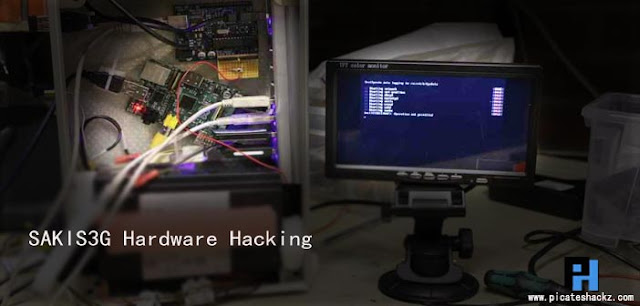
Sakis3G is a tweaked shell script which is supposed to work out-of-the-box for establishing a 3G connection with any combination of modem or operator. It automagically setups your USB or Bluetooth™ modem, and may even detect operator settings. You should try it when anything else fails.
Recommended: An Introduction To Hacker’s OS: Kali Linux And Setup Tutorial.
TOOLS INCLUDED IN THE SAKIS3G PACKAGE
root@kali:~# sakis3g help
Sakis 3G All-in-one script – Version 0.2.0e
(c) Sakis Dimopoulos 2009, 2010 under GNU GPL v2Usage:
sakis3g [actors] [switches] [variables]Sakis3G is a shell script which is supposed to work out-of-the-box for
establishing a 3G connection with any combination of modem or operator.NOTE: This script requires root priviledges to properly work. If not executed from root, it will try to acquire them.Common actors are:connect – Attempts to establish 3G connection.
disconnect – Stops all active PPP connections.
toggle – Attempts to establish 3G connection. If already connected, it
disconnects instead.
reconnect – Attempts to establish 3G connection. If already connected, it
first disconnects and then attempts.
start – Same as connect. Provided for use as init.d script.
stop – Same as disconnect. Provided for use as init.d script.
reload – Same as reconnect. Provided for use as init.d script.
force-reload – Same as reload. Provided for use as init.d script.
restart – Same as reload. Provided for use as init.d script.
desktop – Creates desktop shortcut for this script.
status – Prints connection status and exits. Exit code is 0 if
connected, or 6 if not connected.
help – Prints this screen and exits.
man – Displays man page.NOTE: For more information, you should consult man page or official Sakis3G
wiki, available at:
http://wiki.sakis3g.org/
SAKIS3G USAGE EXAMPLE
root@kali:~# sakis3g –interactive “connect”
Video TUTORIAL
Also Read:
- Programming Languages For Hackers And Learn It From Most 6 Helpful Websites
- Installing Hackers OS Kali Linux In VMware (Beginners Guide With Screenshots)
- Easy Steps to Create Web Penetration Testing Lab in Kali Linux
Available link for download

Subscribe to:
Posts (Atom)